 ChefBook
Android gives you good tools for saving a web page. It gives you nothing for saving a recipe — a list of ingredients and steps you want to search, plan and shop from later. Here is what each built-in option is good for, and where it stops.
The built-in ways to save recipes on Android
- Chrome bookmarks. Tap the star in the menu. Quick, but you are saving a link — if the blog redesigns or disappears, so does the recipe.
- Chrome offline pages. Tap the download icon in Chrome's menu to keep the page for offline reading. Good for the kitchen; still the whole page, pop-ups included.
- Google Keep. Share a page to Keep, or paste the recipe in as a note and add a label like recipes. Searchable by word, and it syncs everywhere.
- Screenshots and Google Lens. Many phones offer a scrolling screenshot (look for Capture more or Scroll capture after taking one). Google Lens can copy the text back out later.
How to do it in ChefBook
- Copy the recipe's link. In Chrome, tap the three-dot menu, then Share and Copy link. In Instagram, TikTok, YouTube or Pinterest, use Share and then Copy link.
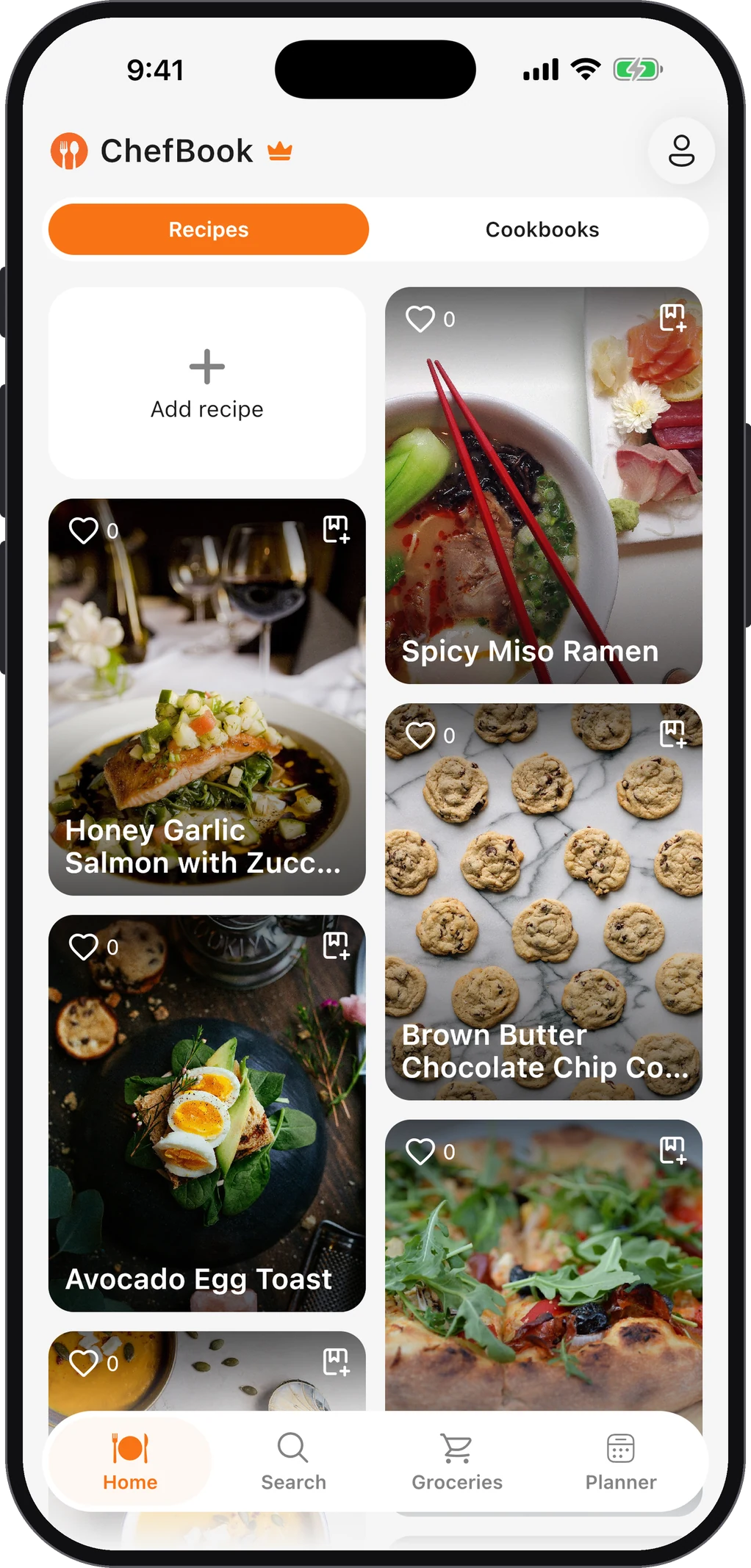
- Paste it into ChefBook. Open ChefBook, tap add and paste the link. ChefBook keeps the ingredients and the method and drops the life story and the ads.
- Photograph paper recipes. For a cookbook page or a handwritten card, choose Import from Image — the AI reads the text and types it up for you.
- Sort it into a cookbook. Add it to a collection like Quick Dinners or Family Recipes so you can find it by browsing, not just by searching.
- Cook from it anywhere. ChefBook's recipe browsing is offline-first, so a weak kitchen signal does not cost you step four.
Already have recipes in Google Keep? Copy a note's text and use ChefBook's Import from Text — it becomes a structured recipe instead of a block of text.
Which way to save recipes on Android is best?
- To keep a page exactly as it is: a Chrome offline page, or print to PDF from Chrome's share menu.
- To find a recipe by name: Google Keep with a label.
- To cook, plan and shop from it: a recipe app, because only structured recipes can be searched by ingredient, dropped into a weekly meal plan and turned into a grocery list in one tap.
For keeping a growing collection findable, see the best way to organize recipes digitally.
Phones, tablets and the rest of your recipes
ChefBook is on Google Play for Android phones and tablets, with a layout that uses the extra space on a tablet. Social recipes go in the same way — see saving recipes from Instagram and from TikTok — so everything ends up in one library.
Do this in about a minute
ChefBook is free on the App Store and Google Play — save your first recipe today.
phone camera