Every recipe you love, in one place.
ChefBook is the free AI recipe organizer that imports recipes from any website, photo or handwritten card — then plans your week and writes your grocery list for you. Stop losing recipes in bookmarks and screenshots.
- Free to download
- Works offline
- 7 languages
- iPhone, iPad & Android
Save recipes from Instagram · TikTok ·YouTube · Pinterest ·food blogs · cookbooks ·handwritten cards
One app instead of six
A recipe keeper, a meal planner, a grocery list and a nutrition tracker — that actually talk to each other.
Save a recipe from anywhere in seconds
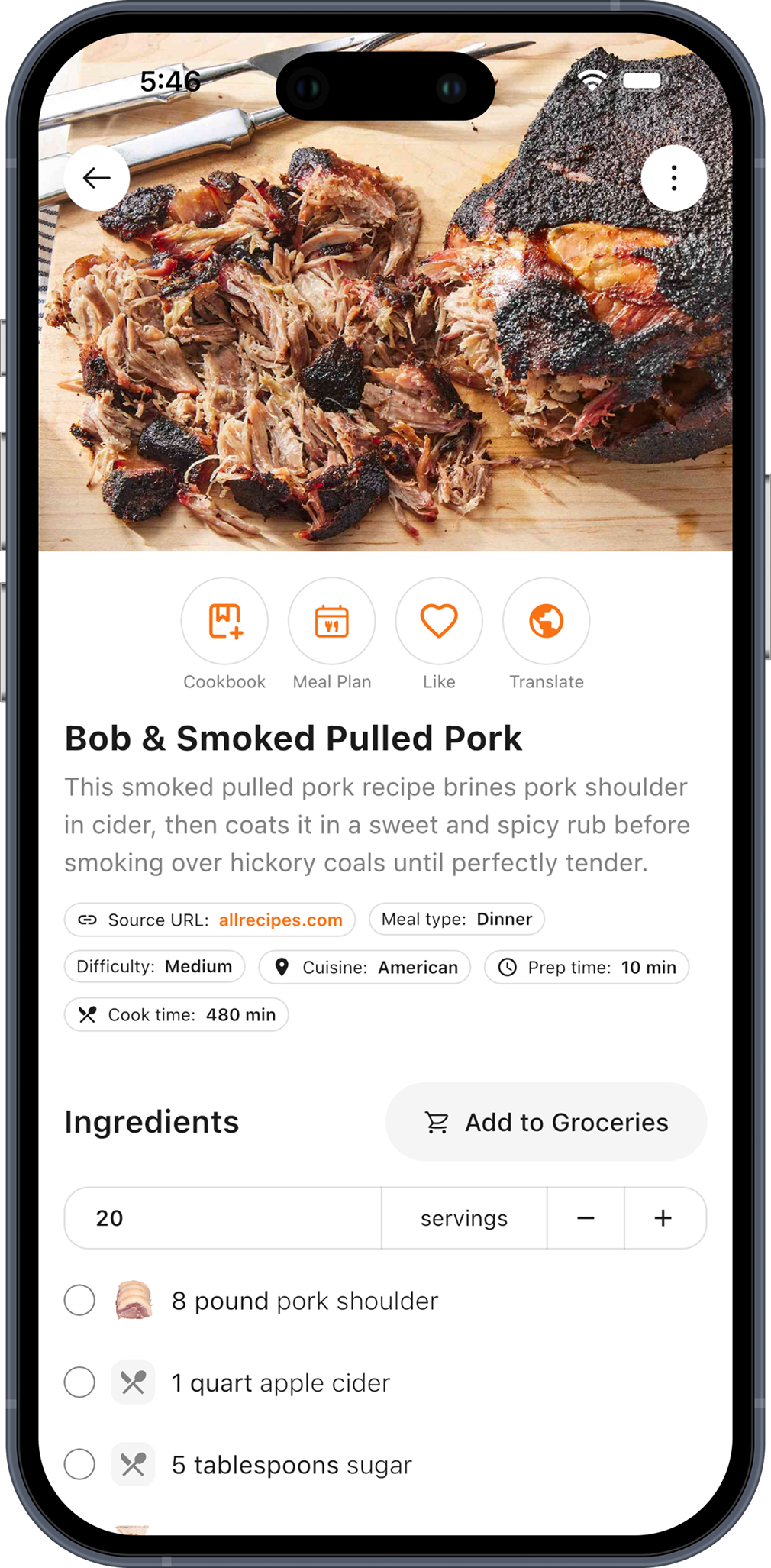
Found it on Instagram, TikTok, a food blog or YouTube? Paste the link. ChefBook pulls out the ingredients, the steps, the times and the photo — and leaves the 1,500-word life story behind.
- Paste a URL from any recipe site or social post
- Keeps source, cuisine, difficulty, prep and cook time
- AI fills in anything the original left out
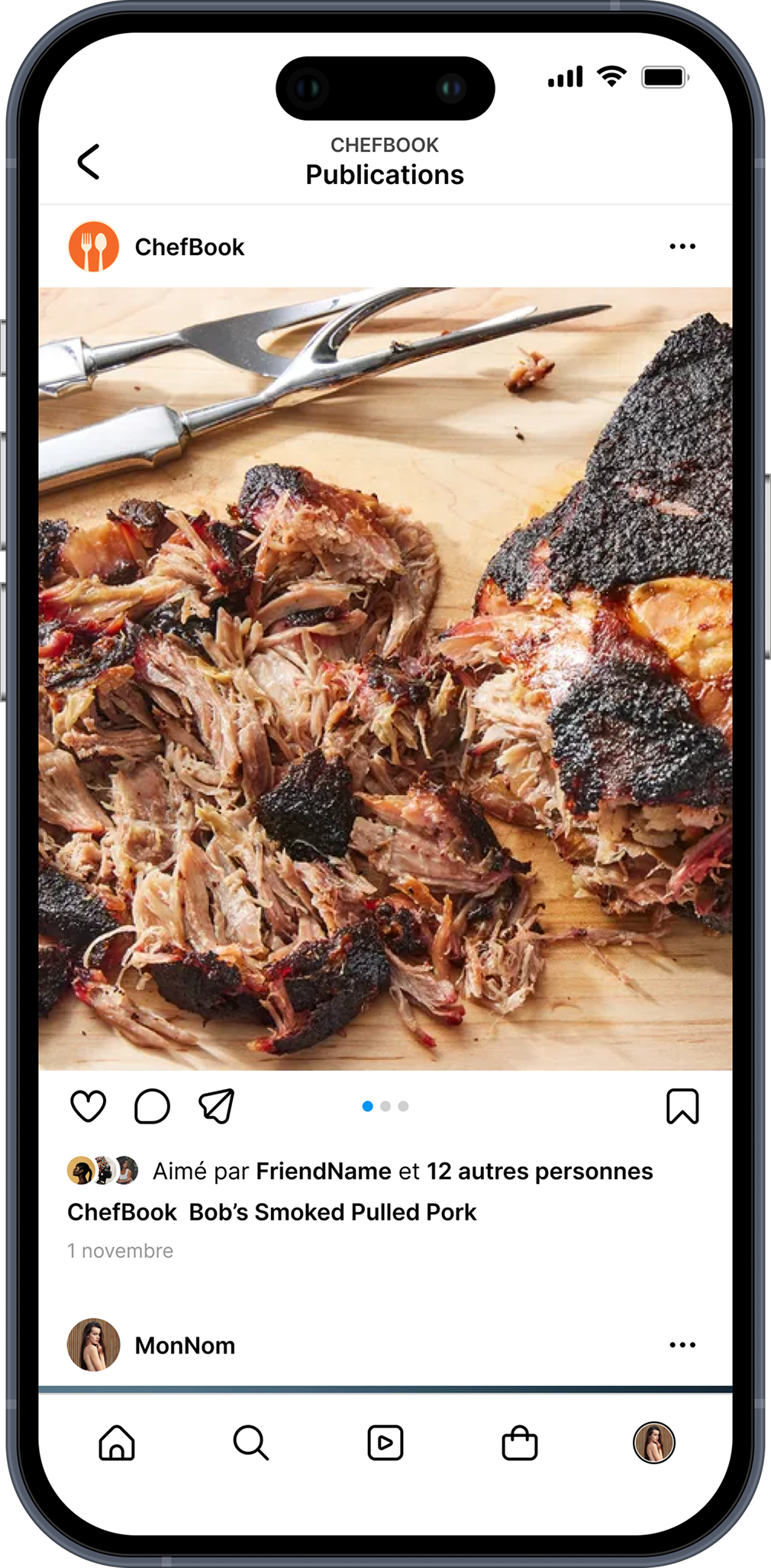
Photograph a recipe card. Get a real recipe.
Your grandmother's handwriting, a cookbook page, a printout gone soft at the folds. Point your camera at it and ChefBook's AI reads it, then rebuilds it as a clean recipe with the ingredients and the method separated.
- Reads handwriting, print and screenshots
- Searchable, scalable and cookable afterwards
- Keep the original photo attached to the recipe
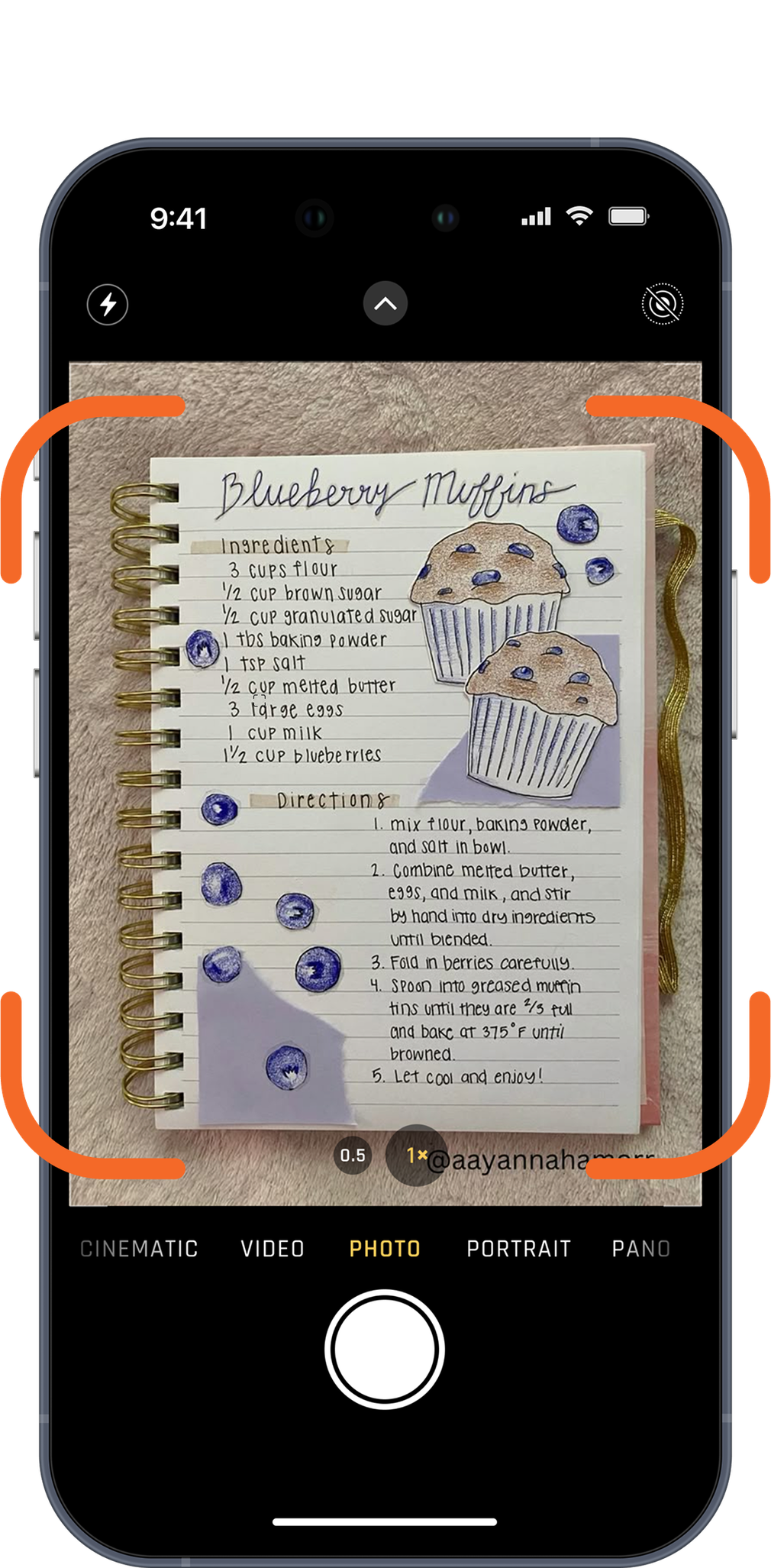
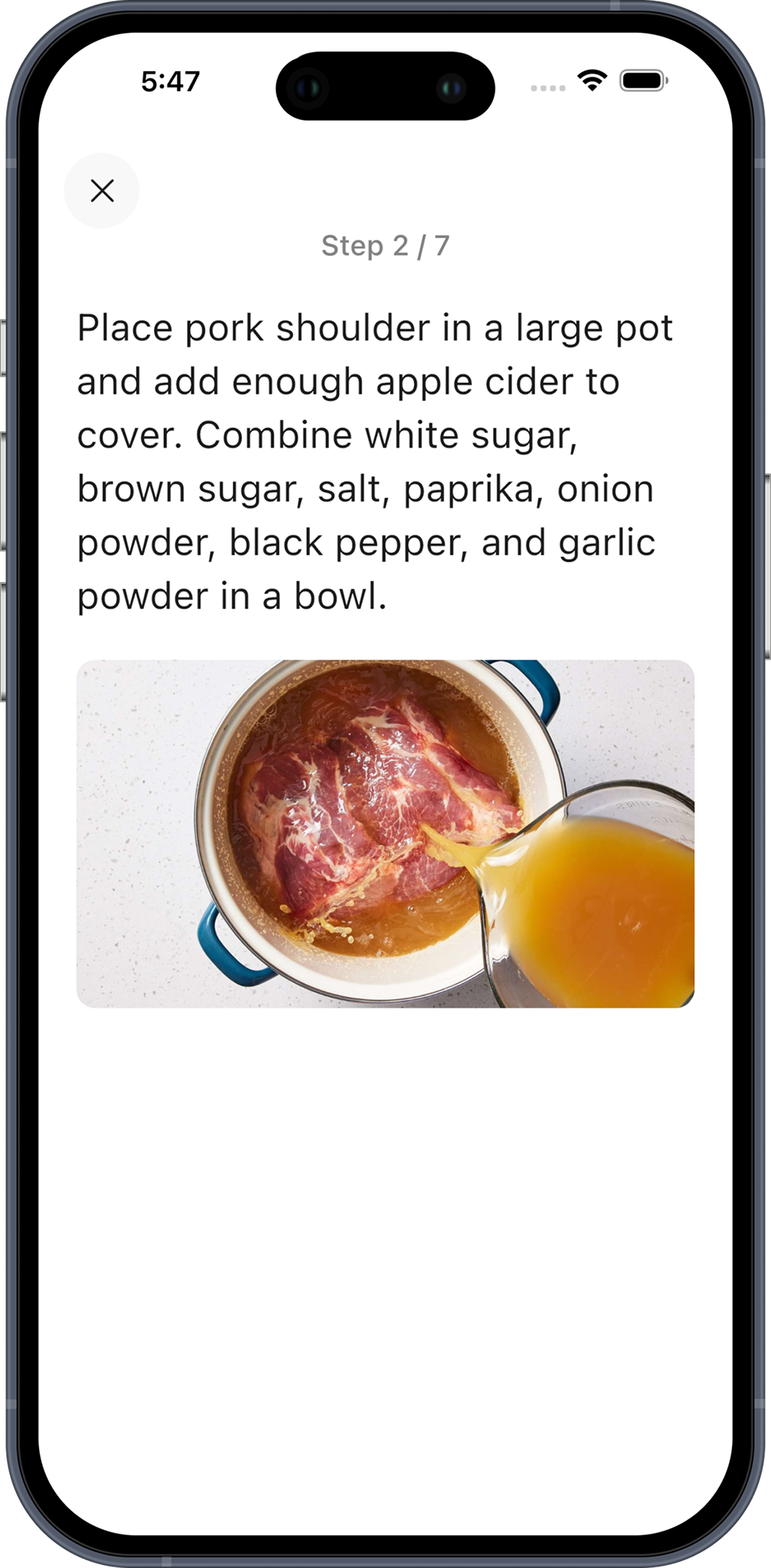
One step at a time, and the screen never sleeps
Big text you can read from across the worktop, one step per screen, and a display that stays awake for as long as you're cooking. No more tapping a black phone with dough on your knuckles.
- Full-screen steps with progress (Step 2 / 7)
- Screen stays on — no system settings to change
- Works offline, so a dropped signal can't lose your place
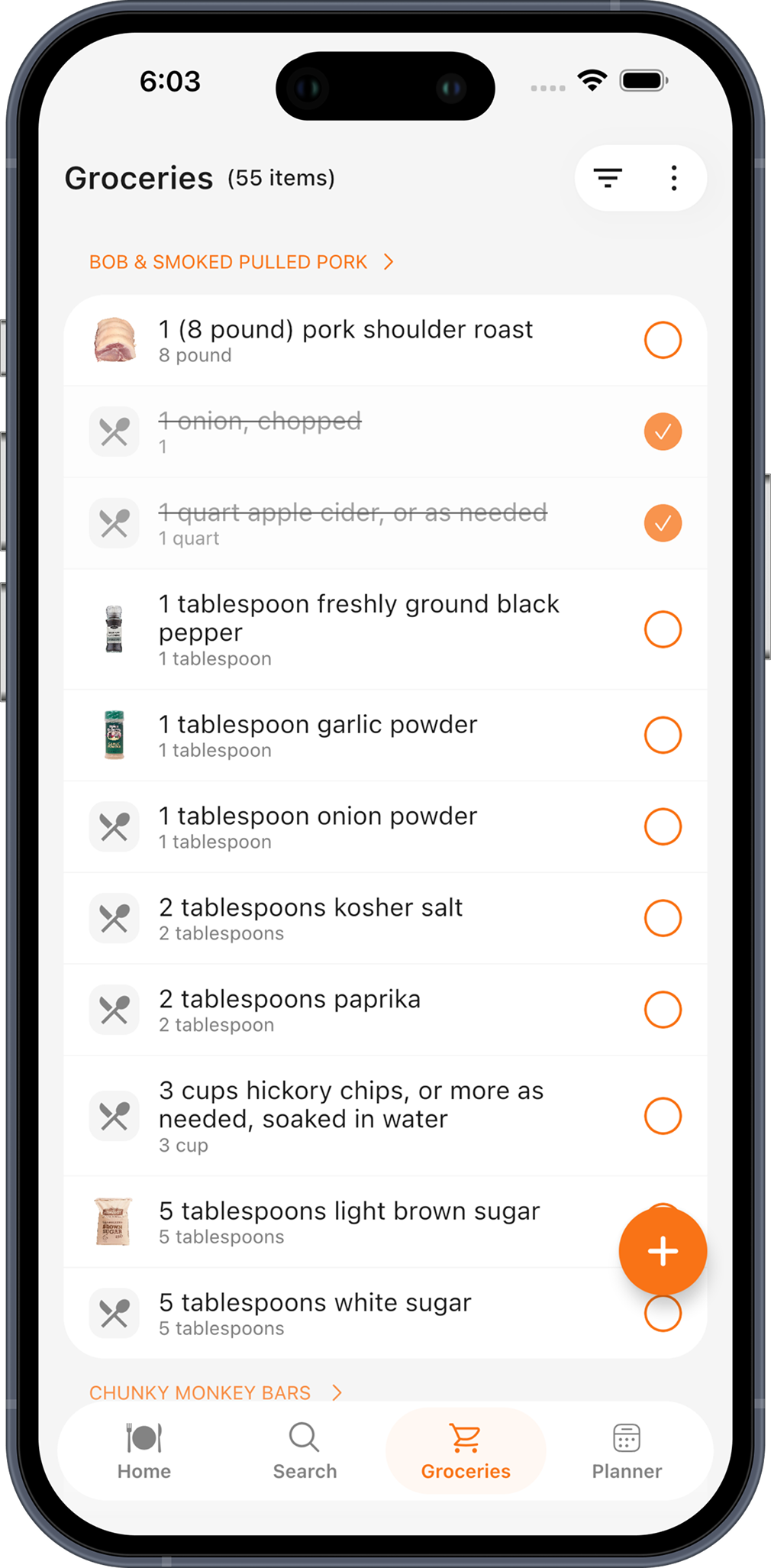
The shopping list writes itself
Send one recipe — or an entire week of planned meals — to your grocery list in a single tap. Everything arrives grouped under the recipe it belongs to, so you always know what the apple cider is for.
- Grouped by recipe, not merged into one flat blur
- Tick items off, sort, and filter to what's left
- Scale servings first and the quantities follow
Answer four questions. Get dinner.
The 6pm fridge-staring problem, solved. Tell ChefBook what's actually on your shelves and it ranks recipes by how well they match — so the top result is something you can start cooking now, not something that needs a supermarket run.
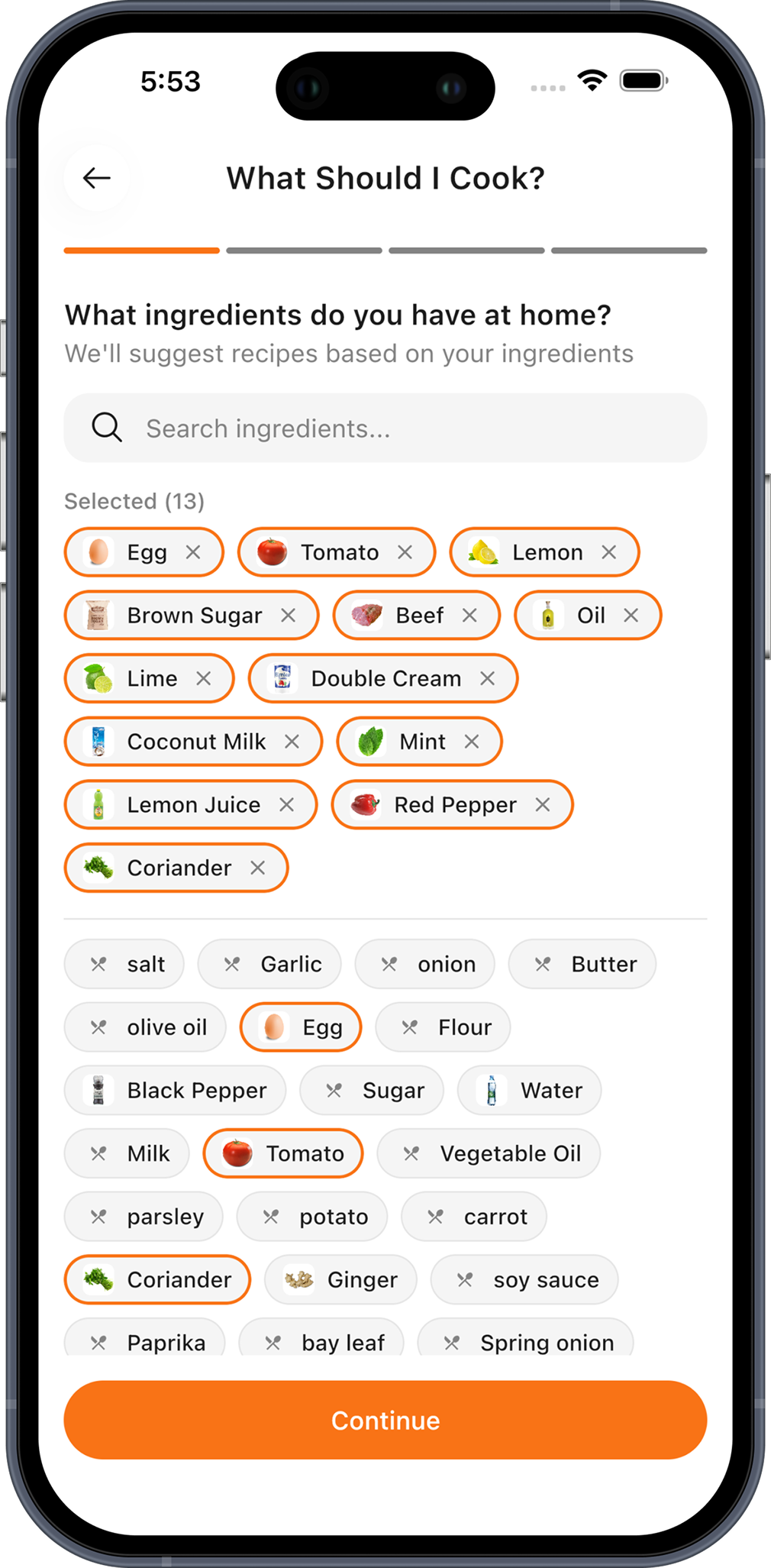
What's in your kitchen?
Tap the ingredients you already have.
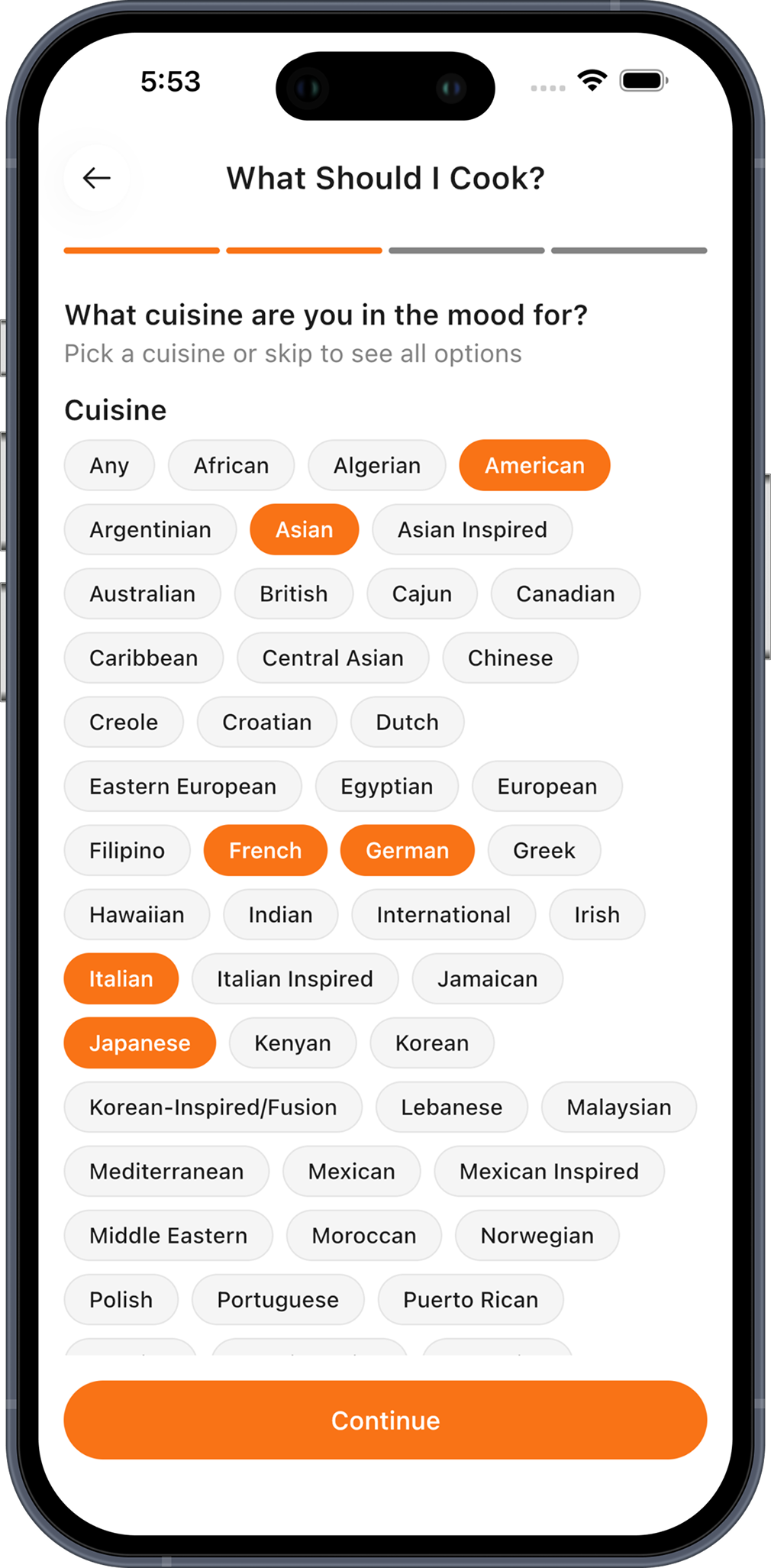
What are you in the mood for?
Pick a cuisine, or skip to see everything.
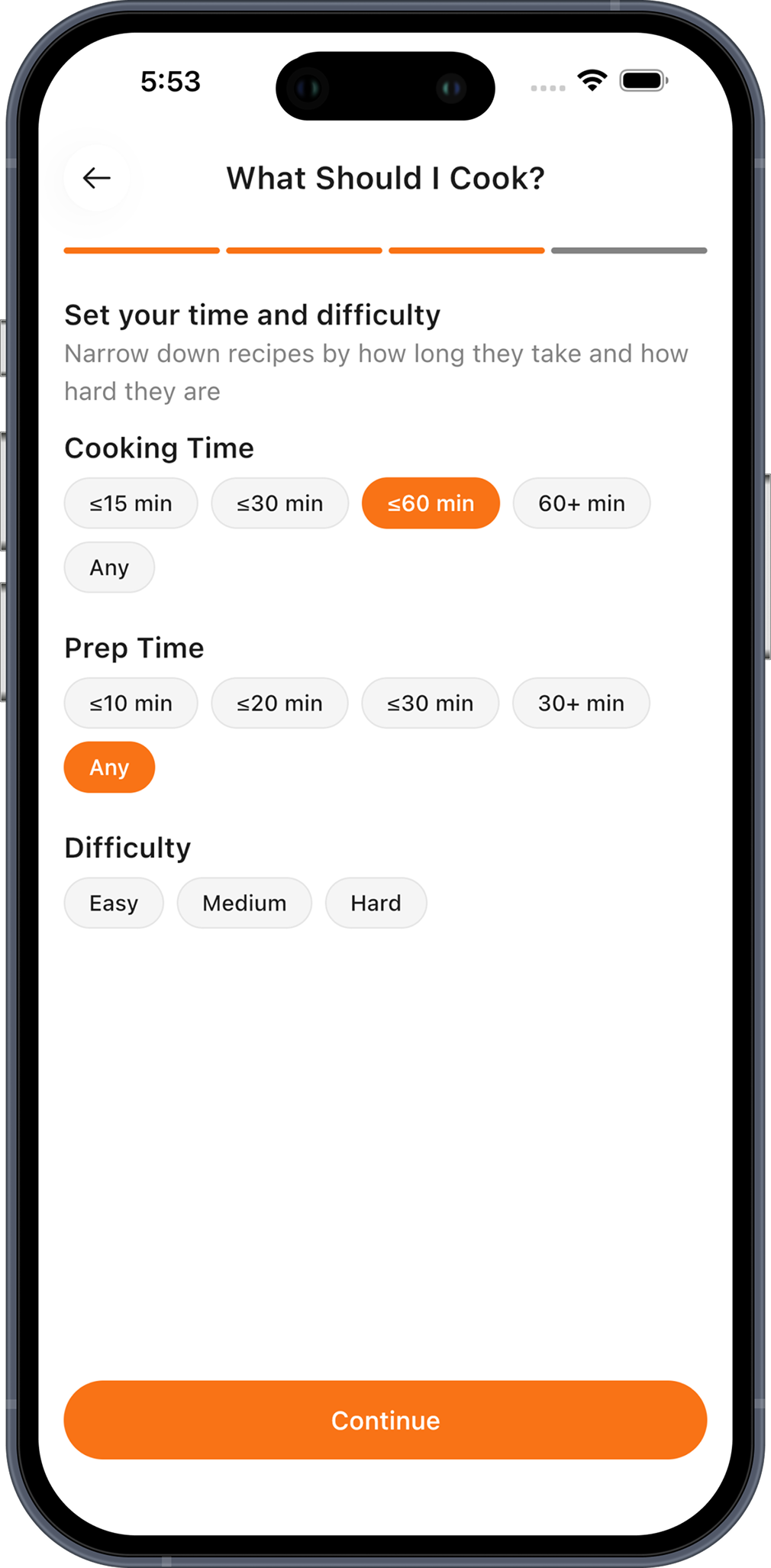
How long have you got?
Set real time limits and difficulty.
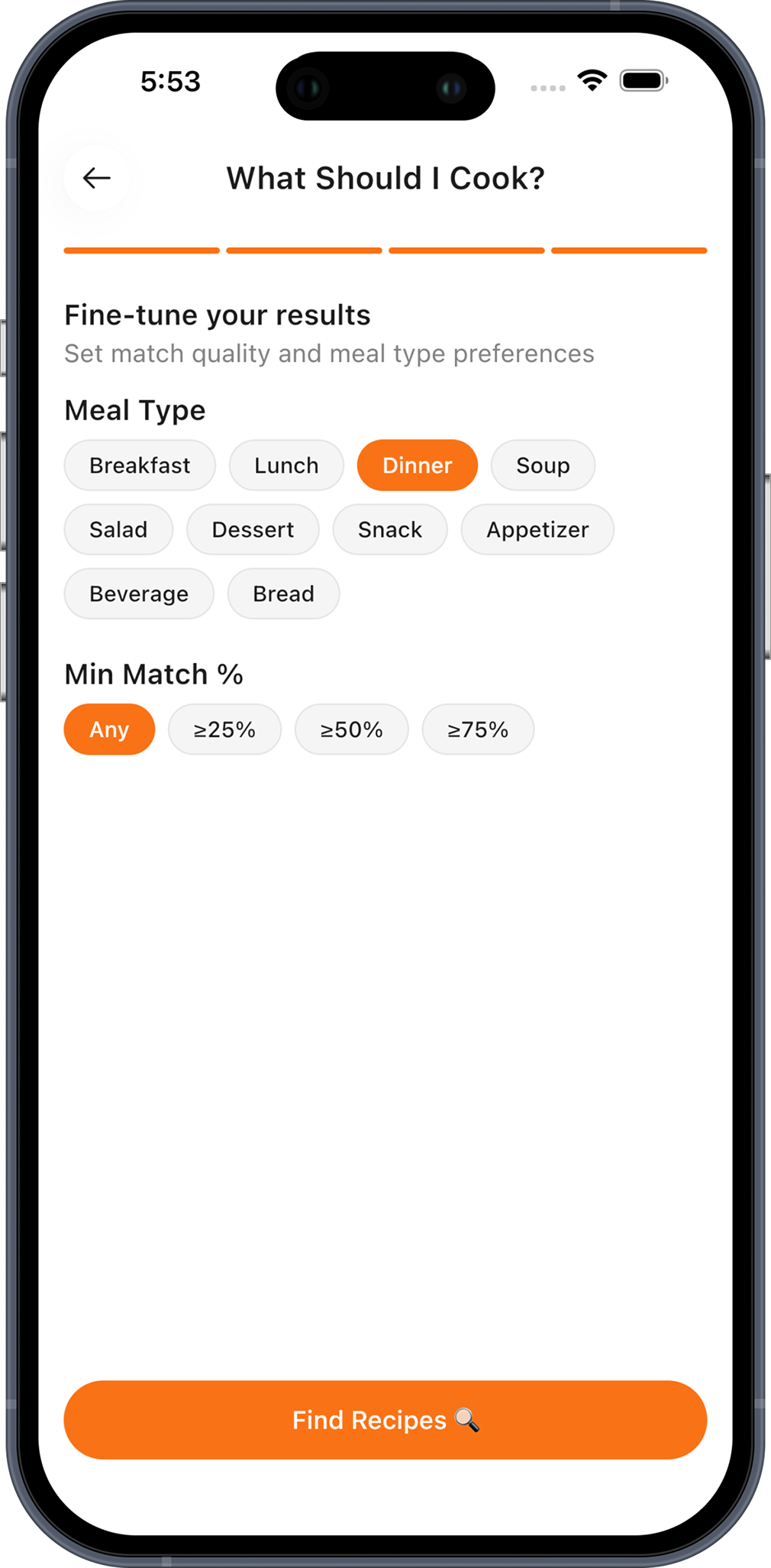
Fine-tune it
Meal type, and how good a match you'll accept.
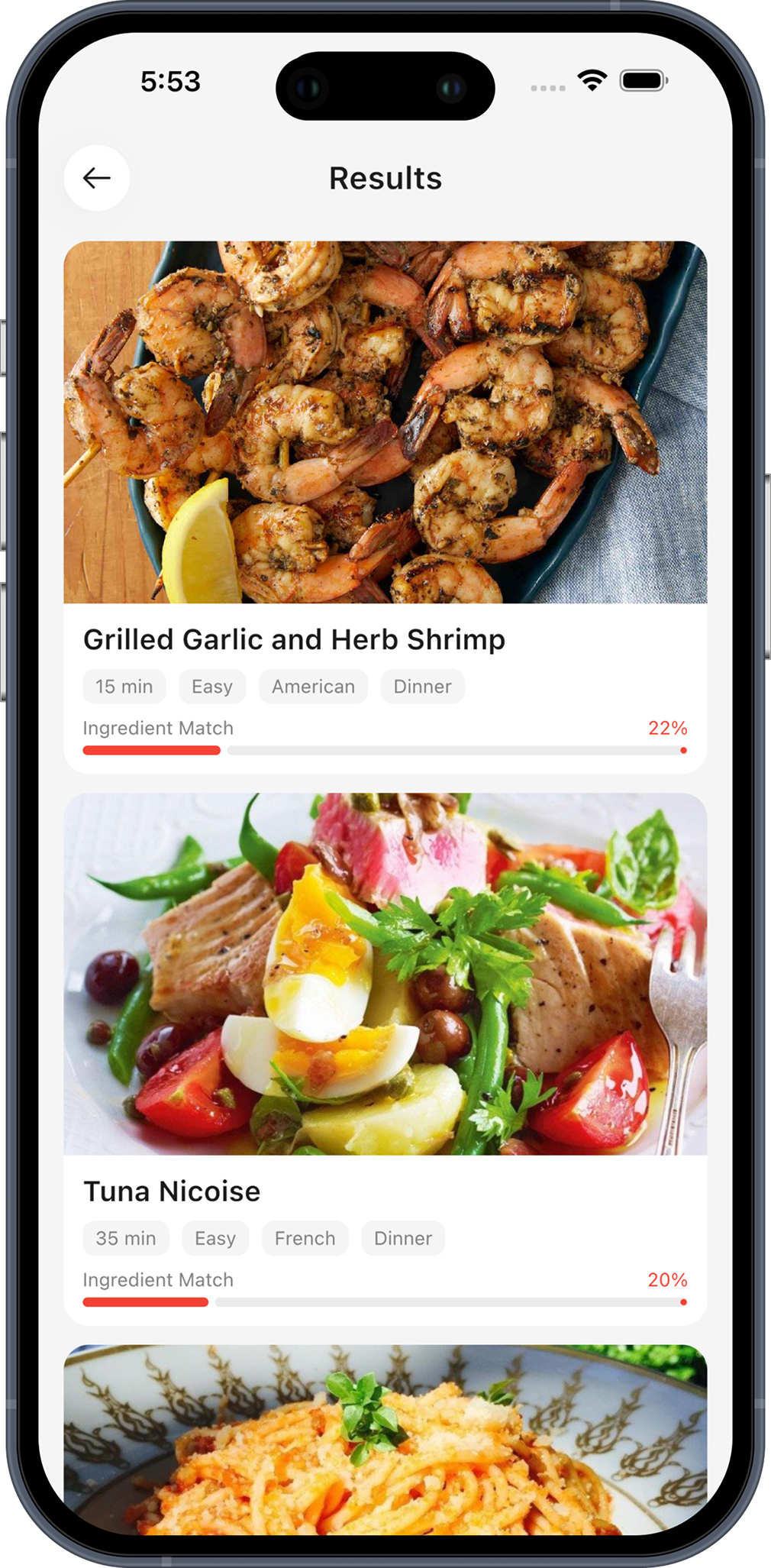
Ranked by ingredient match
Every result shows how much of it you already own.
A look inside ChefBook
Every screen you'll actually use, from a link on your phone to dinner on the table.
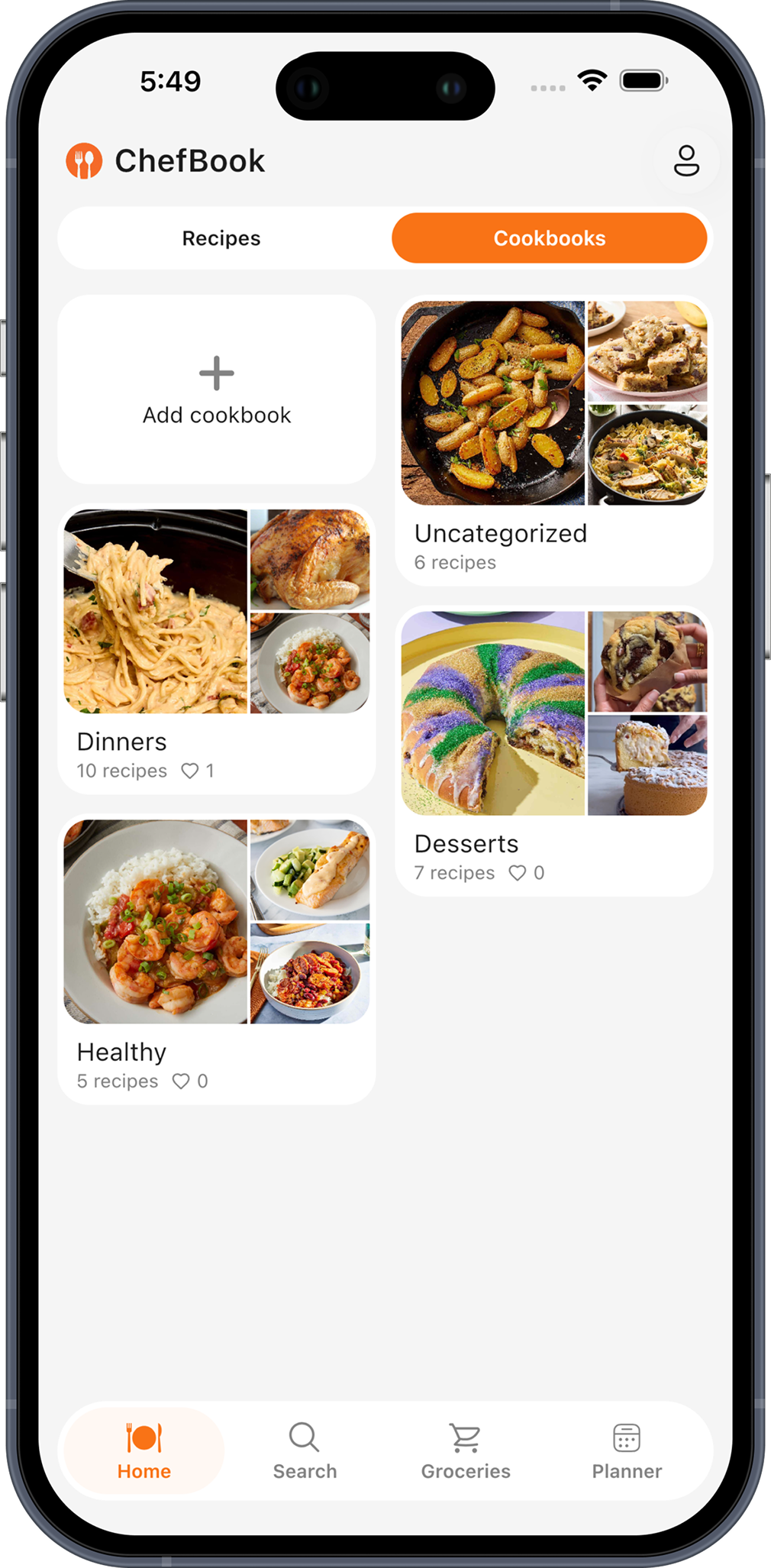
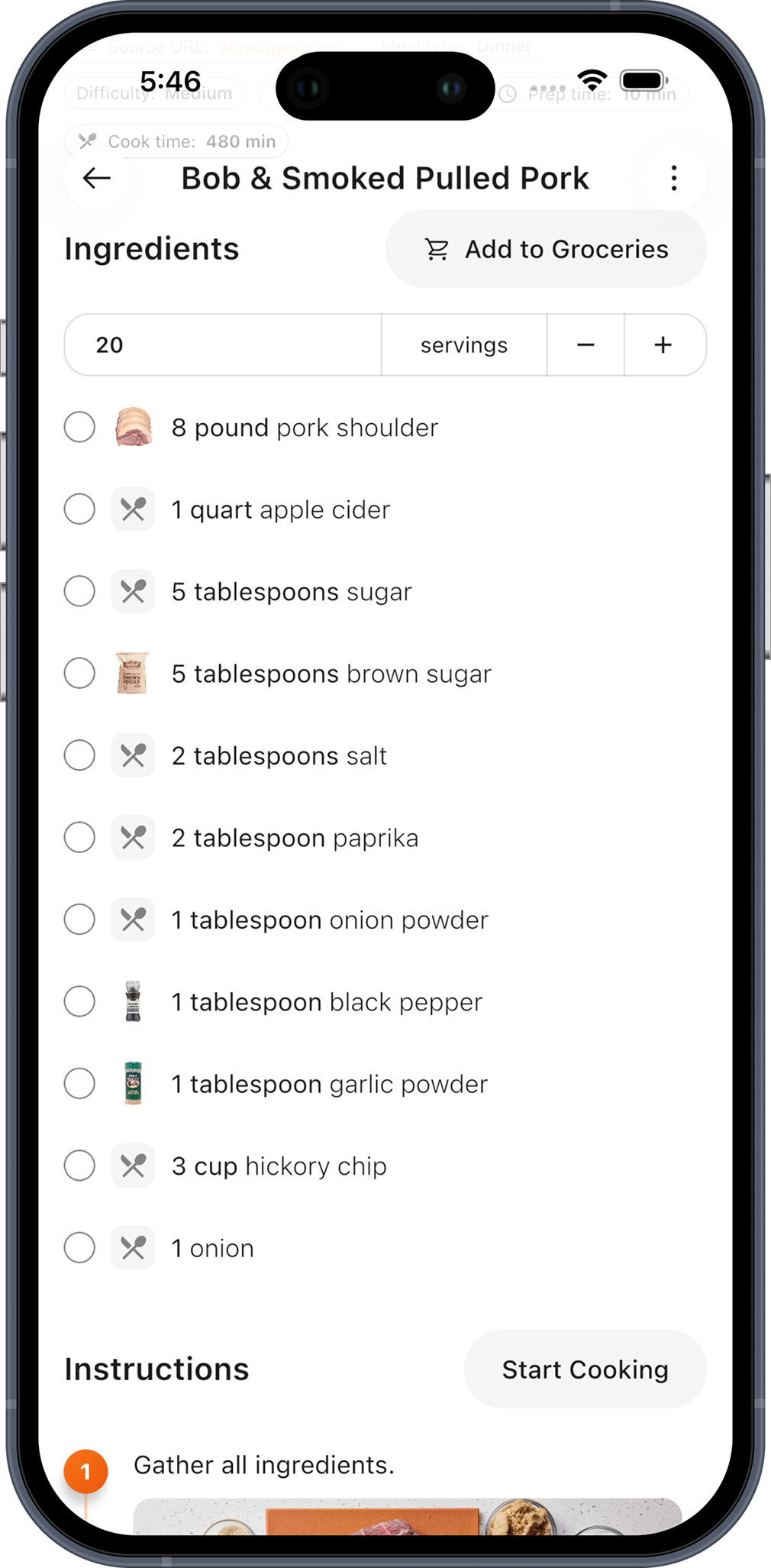
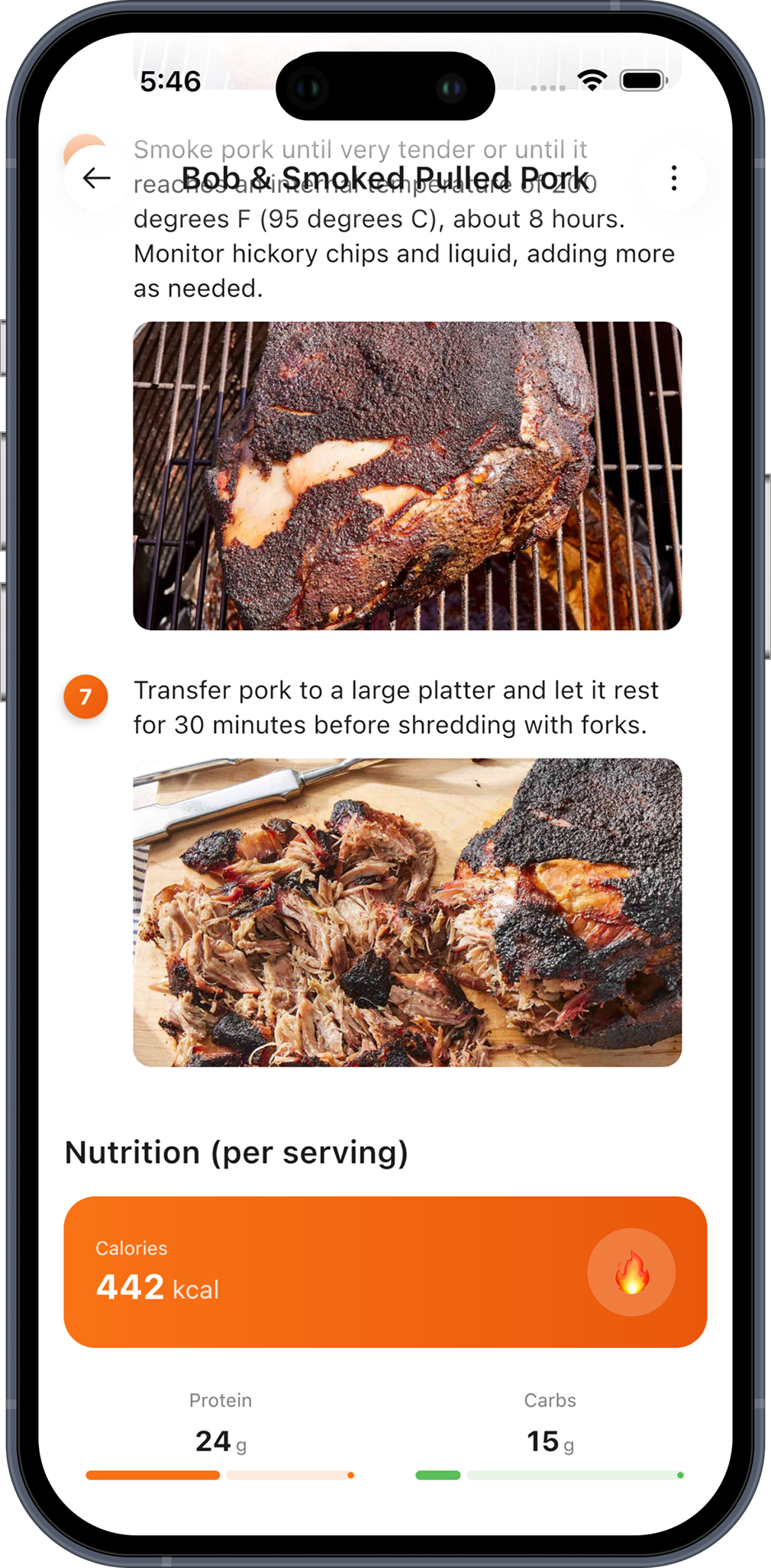
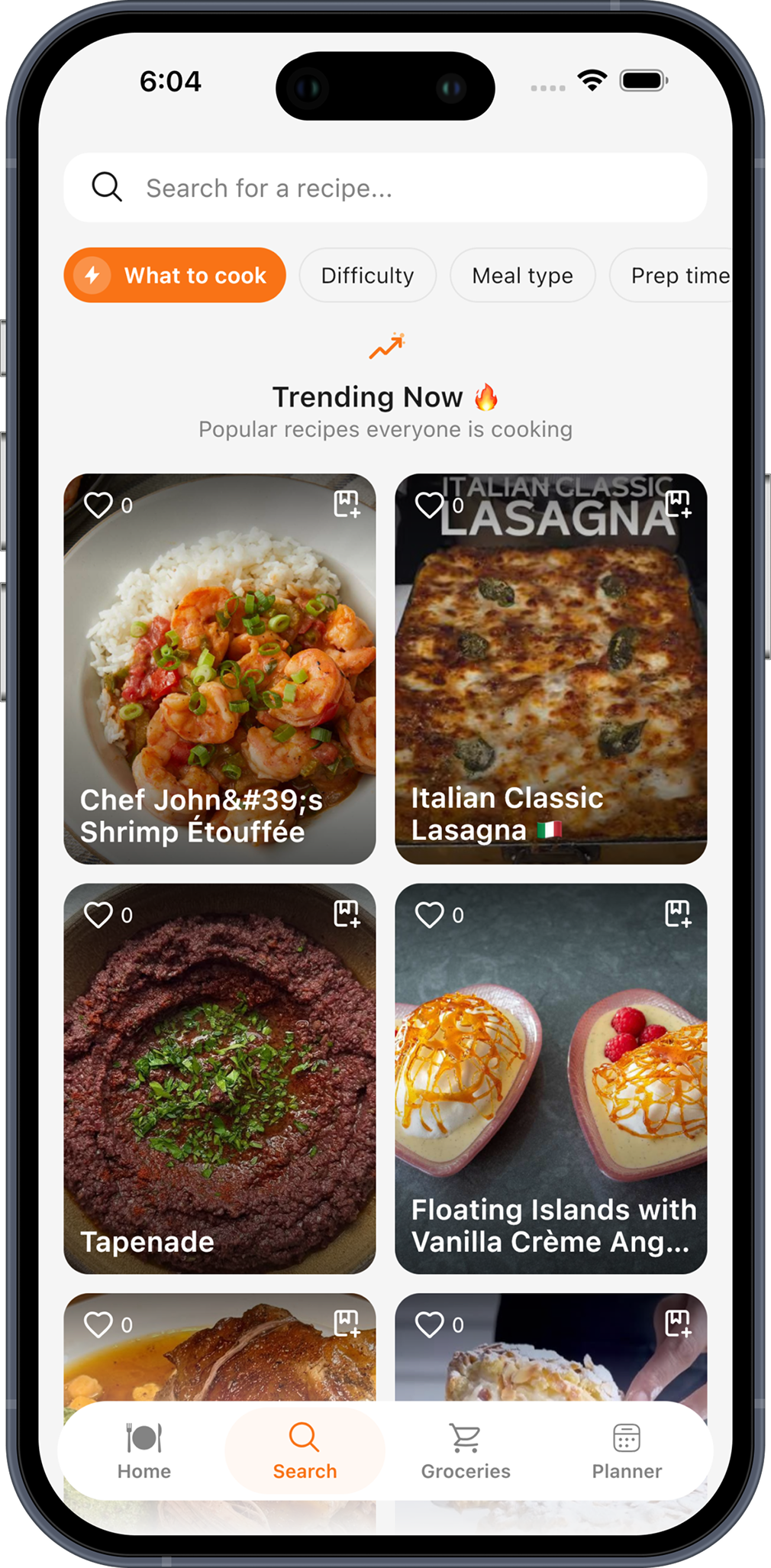
From link to dinner in four steps
The whole loop takes about a minute, and the grocery list writes itself.
Capture it
Paste a URL, photograph a recipe card, or type a title and let AI complete the rest. It lands in your library, cleaned up.
Plan the week
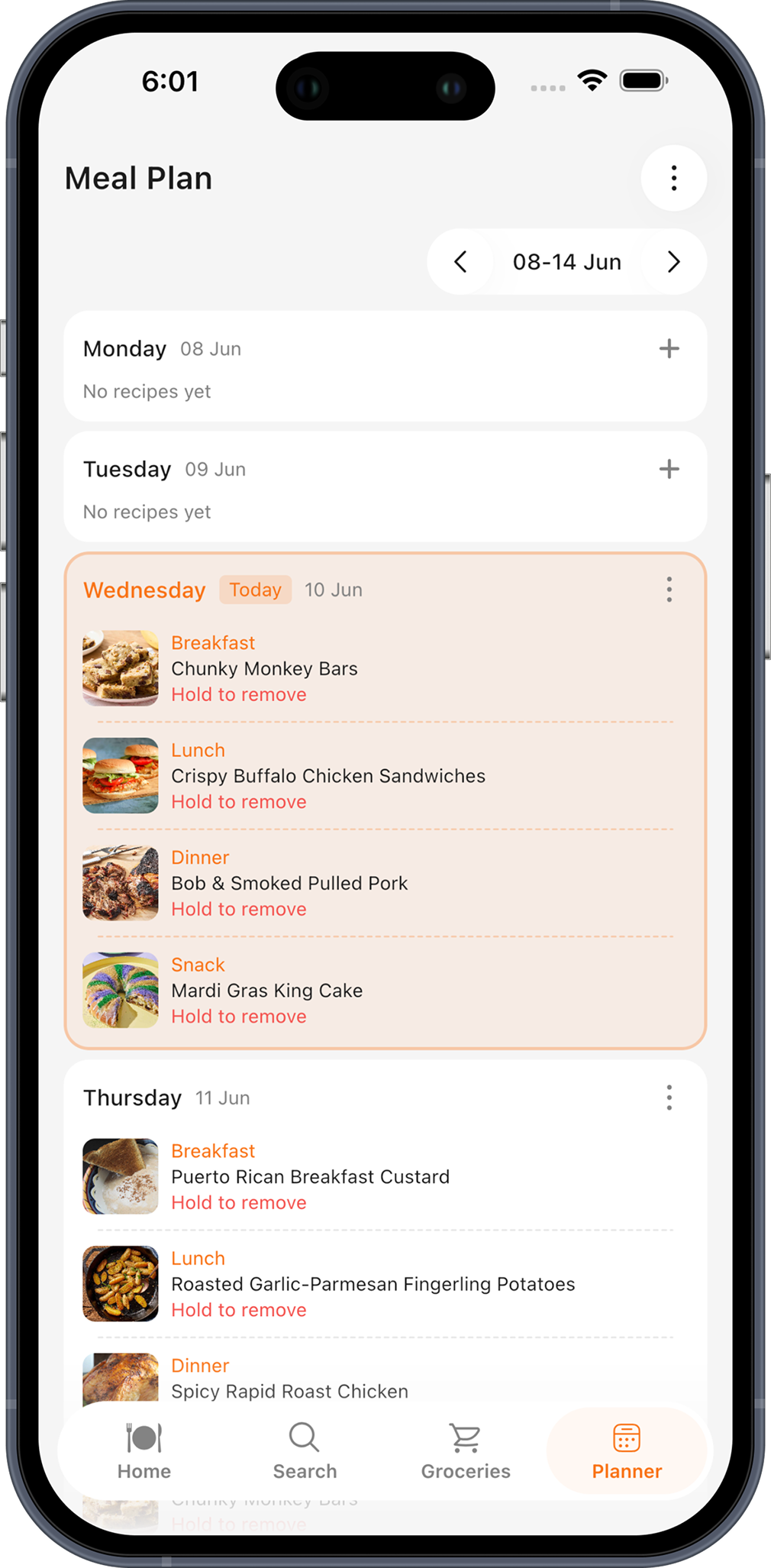
Drop recipes into breakfast, lunch, dinner and snack slots. Or ask What Should I Cook? and pick from what matches your fridge.
Shop once
Send the whole week to your grocery list in one tap. Items arrive grouped by recipe; tick them off as you go.
Cook hands-free
Open Cook Mode. Big text, one step at a time, screen stays awake — no more tapping a phone with floury hands.
 Download
Get ChefBook free on iPhone & Android
Free to download. Five premium AI uses every week, no card required — upgrade only if you want unlimited.
iPhone, iPad, Android phone & tablet · English, Turkish, Russian, Spanish, German, French, Portuguese
Kitchen problems, solved
Practical guides to the things people actually search for — and how to do each one in ChefBook.
How to save recipes from Instagram & TikTok
Stop hoarding videos you never cook. Get every saved reel into one searchable, cookable library.
Read the guide →How to import a recipe from a website URL
Skip the 1,500-word blog story. Paste the link, keep the ingredients and the method.
Read the guide →How to scan handwritten recipe cards
Rescue your grandmother's recipe box from fading ink — photograph it and let AI type it up.
Read the guide →What can I cook with the ingredients I have?
The 6pm fridge-staring problem, fixed: recipes ranked by what's already on your shelves.
Read the guide →Weekly meal planning for beginners
A realistic 20-minute Sunday routine that survives contact with a real week.
Read the guide →Turn a recipe into a grocery list automatically
Never hand-copy ingredients again — or come home missing the one thing you needed.
Read the guide →How to keep your phone screen on while cooking
Why your screen keeps dying mid-recipe, and the setting that ends it for good.
Read the guide →How to find the calories in any recipe
Get calories, protein, carbs and fats per serving without weighing your dinner.
Read the guide →How to translate a recipe into your language
Cook from any country's food blogs — including the ingredient names and the units.
Read the guide →How to organize family recipes digitally
Turn a shoebox of cards and a folder of screenshots into a cookbook you can actually share.
Read the guide →Frequently asked questions
Is ChefBook free?
Yes. ChefBook is free to download and use. Saving and organising recipes, the meal planner and the grocery list are all free. The premium AI features — smart import, AI recipe completion, the What Should I Cook wizard and nutrition details — give you 5 free uses every week, and Premium unlocks unlimited use.
Can ChefBook import a recipe from any website?
Yes. Paste a URL from any recipe website and ChefBook extracts the ingredients, steps, times and photo — leaving the blog story behind. If a page can't be read automatically, paste the text or photograph the screen and AI will build the recipe instead.
Can I scan a handwritten recipe card?
Yes. Photograph a handwritten card, a cookbook page or a printout, and ChefBook's AI reads it and turns it into a clean, structured recipe with ingredients and steps separated — searchable, scalable and cookable.
Does ChefBook work offline?
Yes. ChefBook is offline-first: your saved recipes live on your device and open instantly with no connection — handy in a kitchen with weak Wi-Fi or a supermarket basement. Importing a new recipe and the AI features do need a connection.
Can ChefBook tell me what to cook with the ingredients I have?
Yes — that's the What Should I Cook wizard. Tell it what's at home, set your cuisine, meal type, time and difficulty, and every result comes back with an ingredient match percentage, ranked so the recipes you can cook right now sit at the top.
Does ChefBook build a grocery list from my meal plan?
Yes. Send a single recipe or a whole week of planned meals to the grocery list in one tap. Items are grouped by recipe so you always know what belongs to what, and you can tick them off, sort them and filter to see only what's left.
Does ChefBook show calories and nutrition?
Yes. Any recipe can show calories, protein, carbs, fats, fibre and sugar per serving — so you know what a meal costs you nutritionally before you start cooking, not after.
Can I scale a recipe to more servings?
Yes. Change the serving count on any recipe and every ingredient quantity recalculates for you. Send it to the grocery list afterwards and the scaled amounts are what get added — no doubling things in your head in the middle of a supermarket.
What languages does ChefBook support?
English, Turkish, Russian, Spanish, German, French and Portuguese — with ingredients and cuisines translated too. Any individual recipe can be converted into your language with a single tap.
Is ChefBook available on iPhone and Android?
Yes — ChefBook is free on the App Store for iPhone and iPad, and on Google Play for Android phones and tablets. It's the same app on either platform: your recipes, cookbooks, meal plans and grocery list all work the same way.
Does ChefBook work on tablets?
Yes. ChefBook has an adaptive layout for tablets and large screens — iPad and Android tablets alike — which makes it comfortable to prop on the counter while you cook. Recipe browsing is offline-first, so it stays fast.
Tonight's dinner is already in your phone.
Import your first recipe in about ten seconds. Plan the week in about five minutes. Let the grocery list write itself.
Free download · No card required · Works offline