 ChefBook
An iPhone has several ways to save a recipe without installing anything. They are all fine for one recipe. They fall apart at fifty, because none of them knows what an ingredient is.
The built-in ways to save recipes on iPhone
- Notes. In Safari, tap Share and choose Notes to save the link with a preview, or paste the recipe text into a note. Easy to search by word, but a link is only as good as the website behind it.
- Safari Reading List and bookmarks. Share, then Add to Reading List. Reading List can keep pages for offline reading if Automatically Save Offline is switched on in Safari's settings. You still get the whole blog post, ads and all.
- Full-page PDF. Take a screenshot in Safari, tap the preview, choose Full Page and save it to Files. The recipe survives the website going down — but it is a picture of a page, not something you can search by ingredient.
- Screenshots and Live Text. Fast, and Live Text lets you copy words out of a screenshot later. Also the fastest way to lose a recipe among two thousand photos.
How to do it in ChefBook
- Copy the recipe's link. In Safari, tap the Share button and choose Copy. In Instagram, TikTok, YouTube or Pinterest, use Share and then Copy Link.
- Paste it into ChefBook. Open ChefBook, tap add and paste the link. ChefBook pulls out the ingredients and method and drops the blog story, ads and pop-ups.
- Use the camera for paper recipes. For a cookbook page or a handwritten card, choose Import from Image and take a photo — the AI reads the text and builds the recipe.
- File it in a cookbook. Put it in a collection such as Weeknight Dinners or Baking, so it is one tap away instead of somewhere in your camera roll.
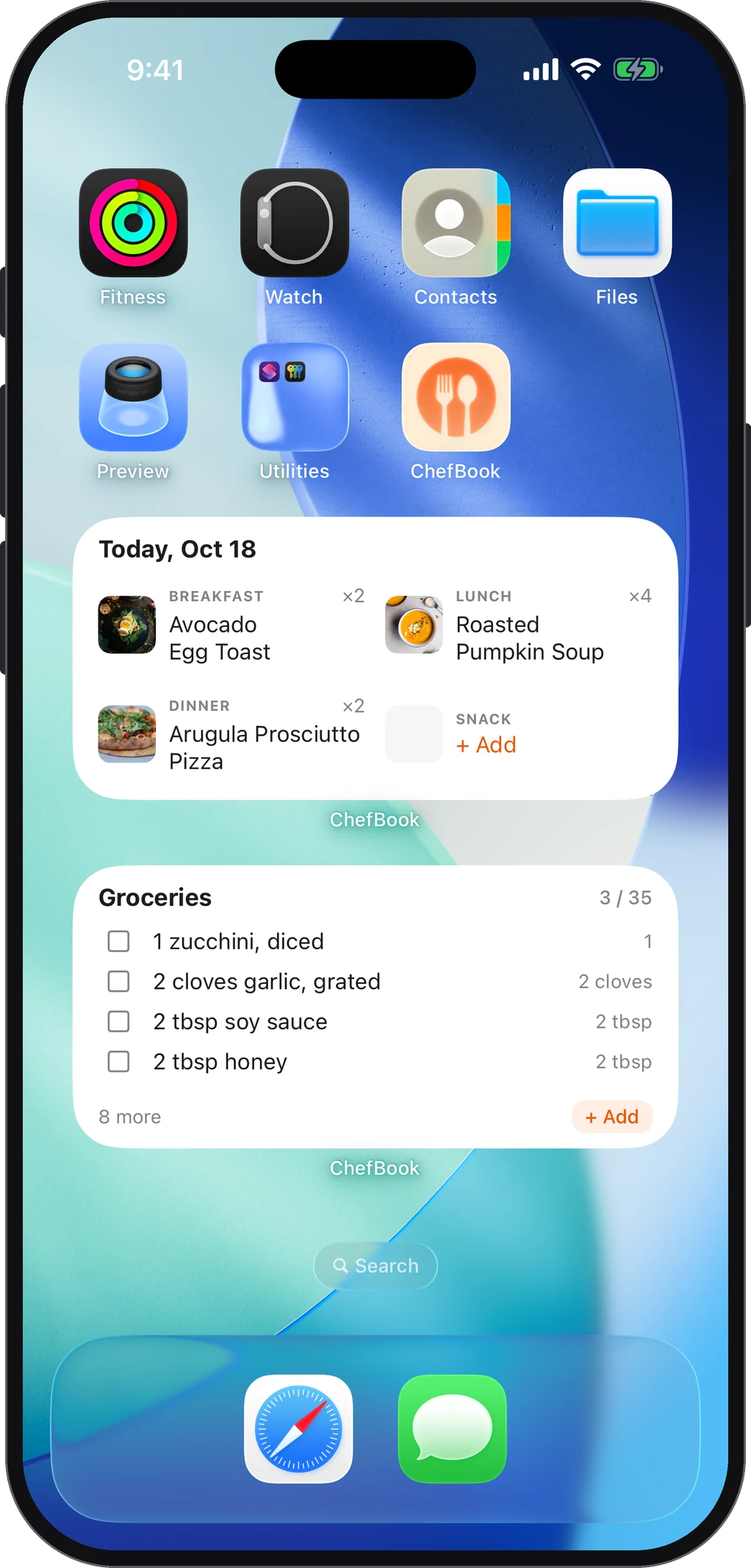
- Add the widgets. Long-press the home screen, tap Edit and add ChefBook's Today's Menu or Groceries widget, so tonight's dinner and the shopping list are on your home screen.
Already saving recipes in Notes? You do not have to start again: copy the text of a note and use ChefBook's Import from Text to turn it into a proper recipe.
Which way to save recipes on iPhone is best?
Ask what you want the saved recipe to do later:
- Just keep it: a full-page PDF in Files. It does not depend on the website staying up.
- Find it again by name: Notes works.
- Cook from it, plan with it and shop for it: that needs the recipe as structured data — ingredients as a list, steps as steps — which is what a recipe app stores. That is when you can search by ingredient, put the recipe in a weekly meal plan and send its ingredients to a grocery list in one tap.
Once there are more than a few dozen, how you file them matters as much as where: see how to organize recipes digitally.
On iPad too
ChefBook has a tablet layout, so the same library opens on an iPad propped up in the kitchen. If the screen keeps locking while you cook, see how to keep your screen on while cooking.
Do this in about a minute
ChefBook is free on the App Store and Google Play — save your first recipe today.
phone camera