 ChefBook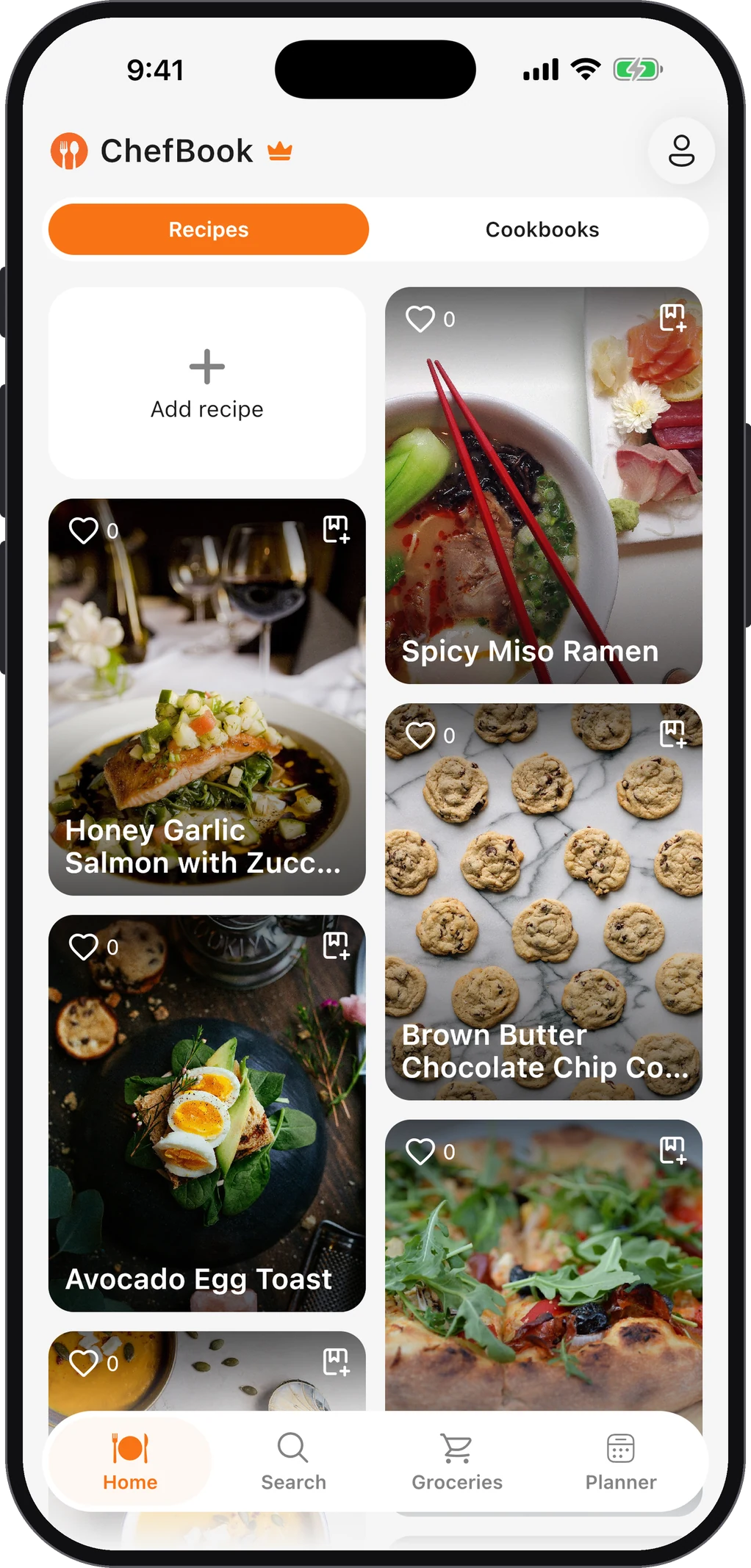
Google Docs is a perfectly good place to keep recipes. It’s free, it syncs everywhere, and you can share it with family. It just needs a structure from day one, because a recipe collection grows faster than you expect. Here’s a setup that holds up, plus how Sheets, Notion and Google Keep compare, and the point where a dedicated recipe app is the easier tool.
One big document, or one document per recipe?
This is the first decision, and it shapes everything else.
One big document is fine up to roughly 30 recipes. Everything is in one place, and you can scroll it like a cookbook. Past that, it gets slow to navigate on a phone, and editing one recipe means opening the whole book.
One document per recipe scales much better. Each recipe opens instantly, can be shared on its own and can be found by name in Google Drive search. The catch is that you need a way to browse them, which is what the folder structure and index below are for.
For most people, one doc per recipe, in a few folders, with a Sheets index is the setup that lasts.
A Google Docs recipe setup that stays tidy
1. Make a small set of folders
Create a top folder called Recipes and a handful of subfolders. Keep it to six or eight; you can always split later.
- Weeknight dinners
- Weekend and guests
- Soups and stews
- Baking
- Breakfast
- Family recipes
A recipe goes in one folder: the one you’d look in first. Don’t try to file by every attribute; that’s what the index is for.
2. Use one template for every recipe
Write one recipe the way you want them all to look, then make a copy of it for every new recipe (File → Make a copy). A good template has:
- Title using the Title style
- A short line of facts: serves, prep time, cook time, source link
- Ingredients as a Heading 2, followed by a bulleted list
- Method as a Heading 2, followed by a numbered list
- Notes as a Heading 2, for “used half the chilli” and “doubles well”
Using real heading styles, not just bold text, matters: Docs builds its document outline from headings, so you can jump straight to Method on a phone. Docs also supports tabs within a document, which work well if you prefer one document per category with a tab per recipe.
3. Name files the same way every time
Search only works if names are predictable. A simple rule: Dish name – main ingredient – source, for example “Lemon orzo – chicken – Nana” or “Dal – red lentils – website”. Then a search for “chicken” or “Nana” finds what you want.
4. Build an index in Google Sheets
This is the part that makes the system work. Create a spreadsheet called Recipe index with one row per recipe:
| Recipe | Folder | Main ingredient | Time (min) | Tried? | Link |
|---|---|---|---|---|---|
| Lemon orzo | Weeknight dinners | Chicken | 30 | ✓ | link to the doc |
Use Insert → Link to link each row to its doc, add a checkbox column for “tried it”, and turn on filters so you can show only “chicken, under 30 minutes”. The index is how you answer “what can I make tonight”, which a folder of documents can’t.
5. Share the folder, not single docs
If family members contribute, share the top Recipes folder with them. New recipes they add inherit the sharing, and nobody has to send links around.
What about Notion, Google Keep or a spreadsheet alone?
- Notion is the most powerful of the general tools. A database with a page per recipe and properties like cuisine, time and tags gives you filters, galleries and templates in one place. The cost is setup time, and the database can feel slow to use mid-cooking on a phone.
- Google Keep is great for quick capture: paste an ingredient list, add a label like “to try”. It falls apart as a library, because notes have no real structure and long recipes are awkward to read.
- Google Sheets alone works for short recipes, but long methods in spreadsheet cells are hard to read while cooking. It’s better as the index than as the recipe itself.
Where all of these struggle
General-purpose tools treat a recipe as text. That’s why the same tasks keep costing you time:
- Getting recipes in. Every recipe from a website or a reel has to be copied, pasted and cleaned up by hand.
- Shopping. Turning three recipes into one grocery list means retyping the ingredients. Cooking from documents makes turning a recipe into a grocery list a manual job.
- Planning. There’s no way to put a doc on Tuesday’s dinner and see the week at a glance.
- Cooking. Documents aren’t designed to be read at arm’s length with wet hands.
A recipe app understands what a recipe is (ingredients, steps, servings, times), so it can do those jobs for you. In ChefBook you import a recipe from a link instead of copying it, group recipes into cookbooks (the equivalent of the folders above, and shareable), add them to a weekly meal plan, and send the ingredients to a grocery list. If you’re moving an existing collection, how to organize family recipes digitally covers the migration, including scanning handwritten cards.
There’s no rule that you have to switch. If your Docs system works and you mostly cook a few dozen favorites, keep it. The time to move is when you notice you’re spending more time maintaining the system than cooking from it.
Questions people ask
Is there a Google Docs recipe template?
The template gallery changes over time, so the reliable option is your own, and it takes a minute using the structure above: a Title, a facts line, then Heading 2 sections for Ingredients, Method and Notes. Save it as a document called “Recipe template” and make a copy for each new recipe.
Can I share a Google Docs recipe book with family?
Yes. Share the folder with edit access, and everyone can add recipes. Agree on the template and naming rule first, or the collection gets messy quickly.
Can I move recipes from Google Docs into a recipe app?
In ChefBook you can paste a recipe’s text into Import from text, and it’s turned into an editable recipe with separate ingredients and steps. If your docs have the original web links, importing from the link is quicker still.
Keep every recipe in one place
ChefBook is free on the App Store and Google Play — save your first recipe today.
phone camera